XPPen Artist Ultra 16 4K OLED Graphic Monitor New Touch-screen Drawing Display with Dual X3 Pro Stylus for 3D Modeling Animation


XPPen Artist Ultra 16 4K OLED Graphic Monitor New Touch-screen Drawing Display with Dual X3 Pro Stylus for 3D Modeling Animation
SPECIFICATIONS
Accuracy: ±0.4 mm (center)
Aspect Ratio: 16:9
Battery Included: Yes
Brand Name: XPpen
Brightness (Typical): 350 nit
Certification: CE,EAC,FCC
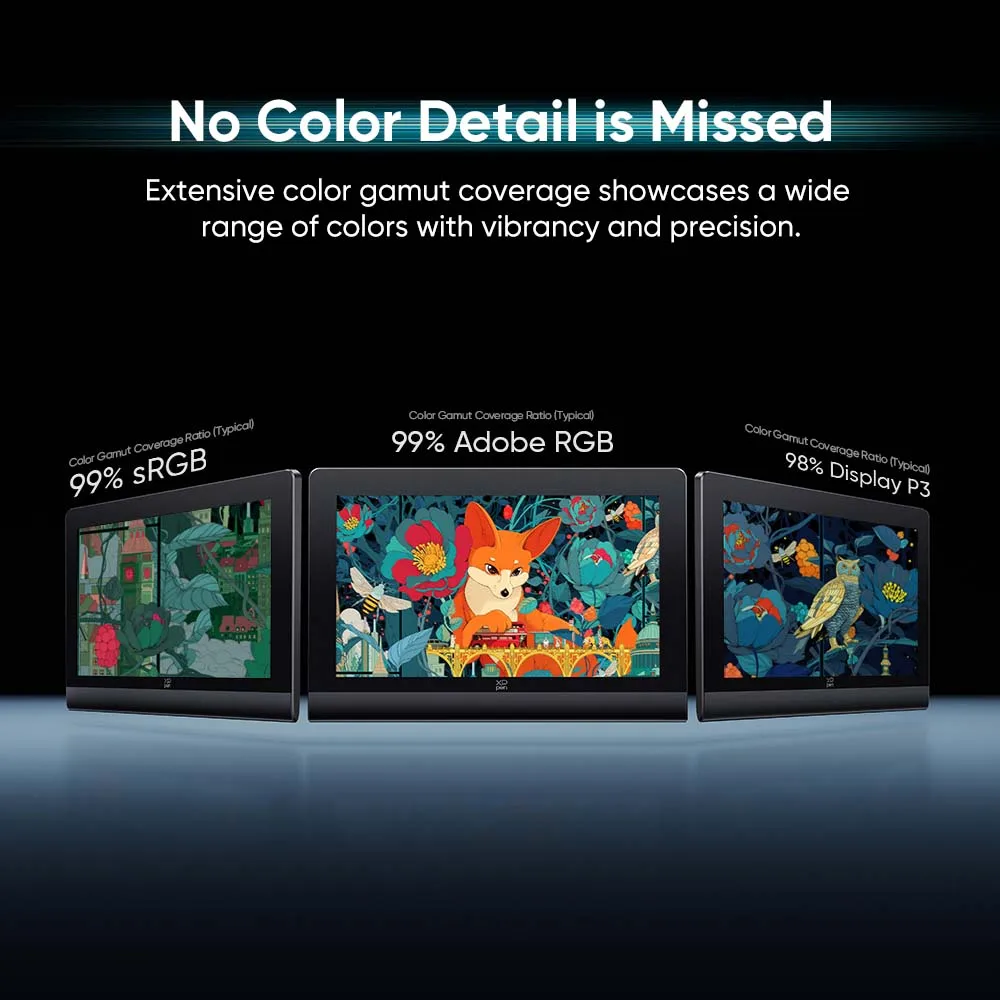
Color Gamut Coverage Ratio (typical): 99% Adobe RGB, 99% sRGB, 98% Display P3
Compatibility: Windows 7 or later (Touch function supports only on Windows 10 or later), macOS 12 or later , Android 10.0 or later (USB3.1 DP1.2 required), ChromeOS 88 or later, Windows ARM, Linux (Touch function supports only on Ubuntu 20.04 LTS or later)
Dimensions: 405.0 x 273.0 x 13.5 mm
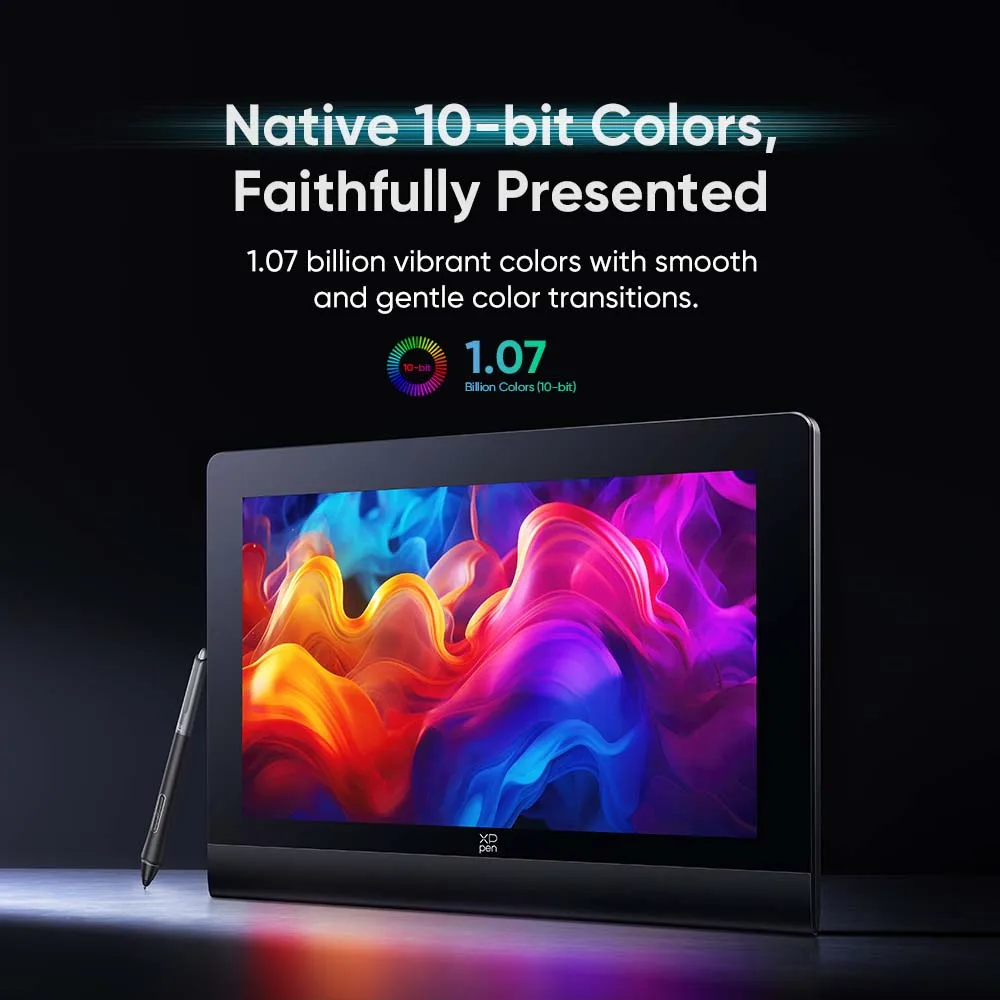
Display Color: 1.07 Billion (Native)
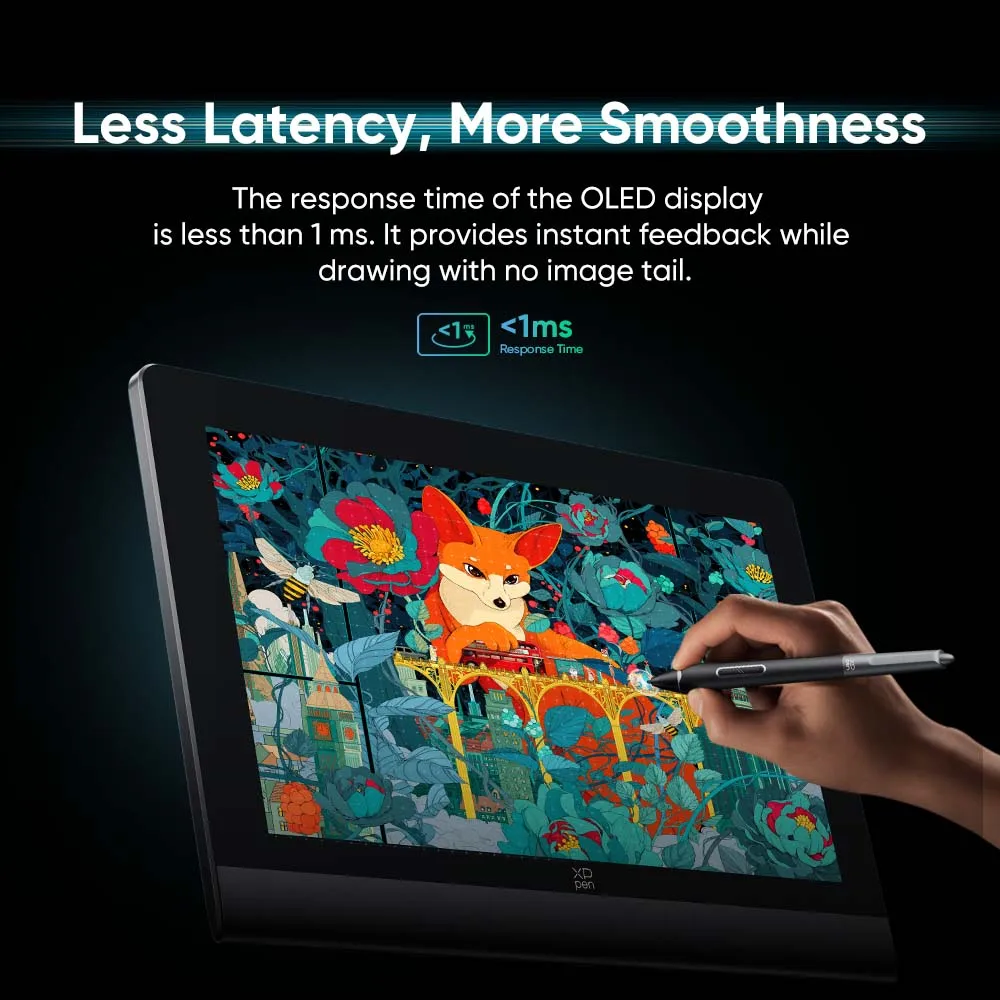
Display Type: AMOLED
Full Lamination: Yes
High-concerned chemical: none
Initial Activation Force: 3 g
Interface Type: USB
Net Weight: 1.53 kg
Origin: Mainland China
Package: Yes
Ports: Full-featured USB-C x 2
Power Input: AC 100-240 V
Power Output: 12V 2.5A
Pressure Levels: 16384
Reading Height: 10 mm (center)
Refresh Rate: 60 Hz
Resolution Ratio: 5080lpi
Screen Resolution: 3840x2160
Screen Size(diagonal): 15.6"
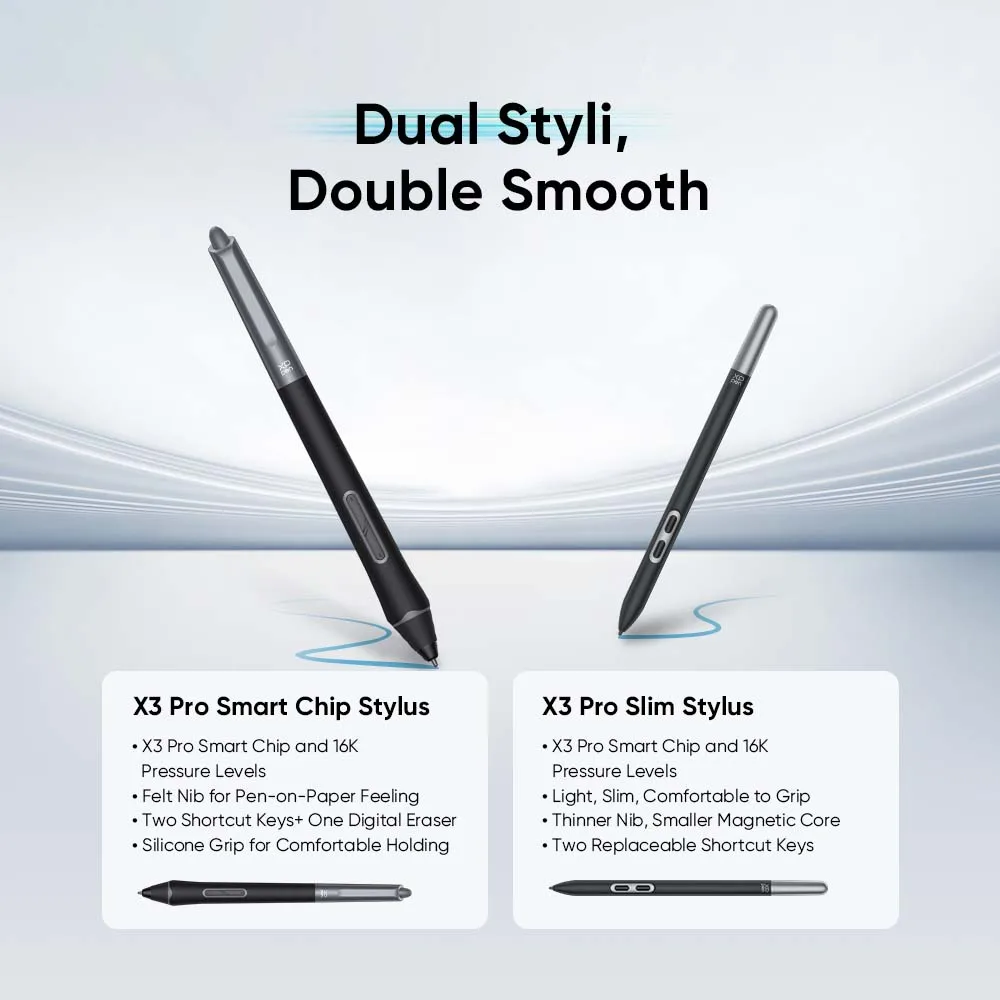
Stylus: X3 Pro Smart Chip Stylus, X3 Pro Slim Stylus
Tablet Width: 273mm
Tablet length: 405 mm
Technology: Chip-powered & EMR
Touch Screen: 10-point touch
Type: Pen Tablet Monitor,Digital Tablets
Viewing Angle: 170 degrees
Work Area: 344.2 x 193.6 mm
XPPEN Model: Artist Ultra 16
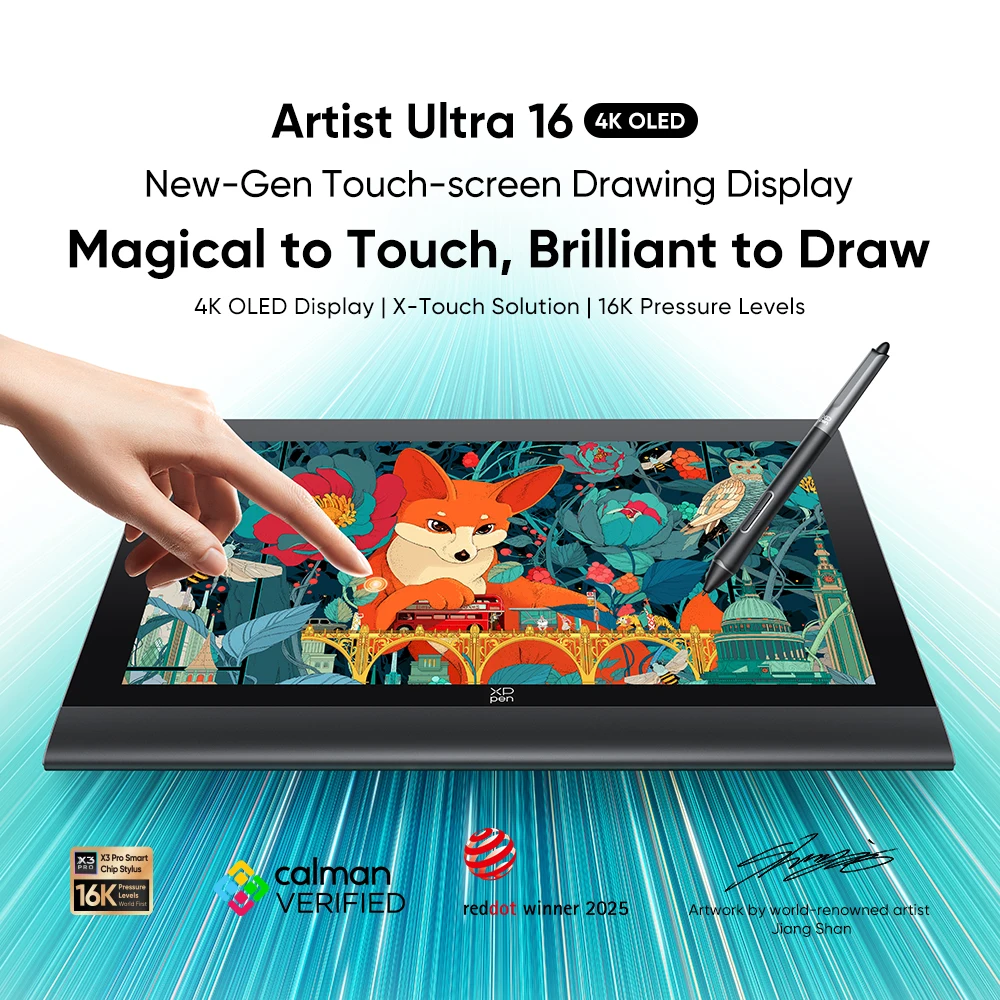
Artist Ultra 16 4K OLED
4K OLED Display |X-Touch Solution | 16K Pressure Levels
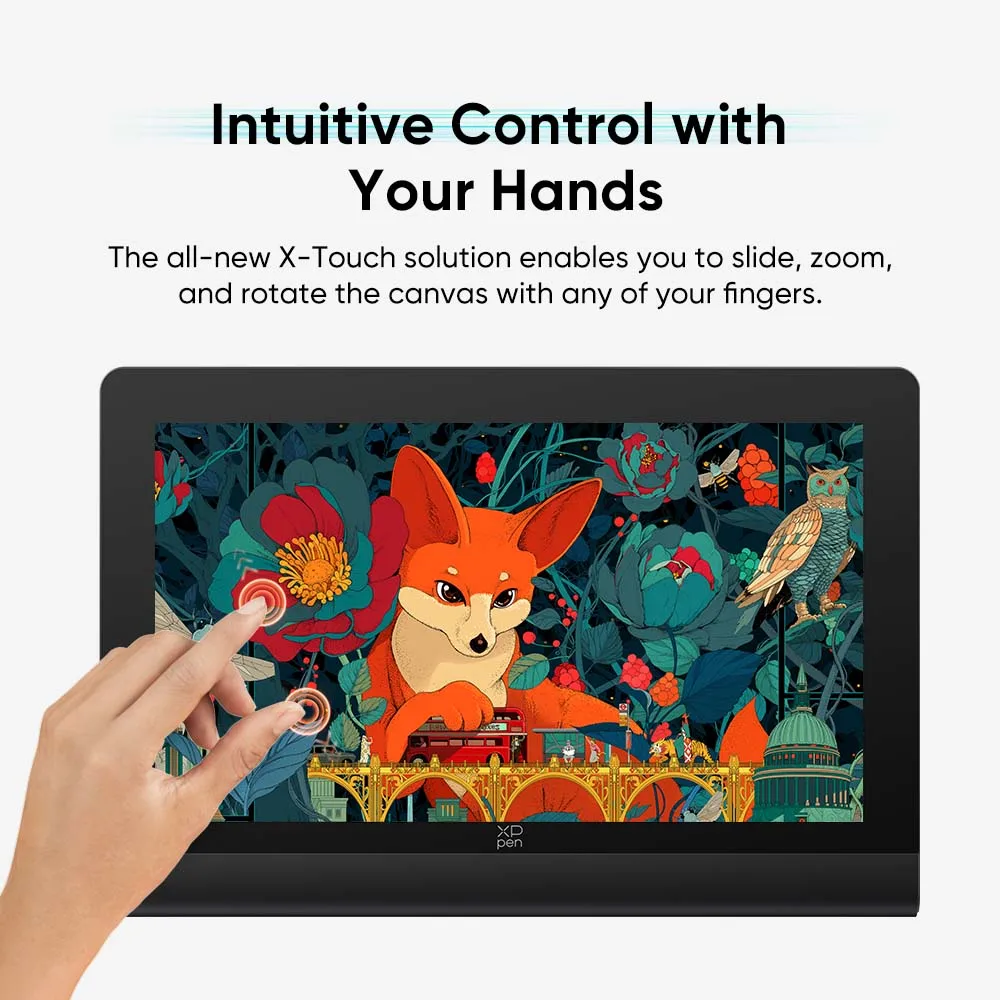
Intuitive Control with Your Hands
The all-new X-Touch solution makes a stunning debut. It is a powerful solution that allows for multi-point touch, enabling you to slide, zoom, and rotate the canvas with any of your fingers. You can also customize several finger gestures to suit your habits in the driver.
*Most of standard touch gestures from Windows and macOS can be applied to the Artist Ultra 16.Customizing three, four, and five-finger gestures is also allowed to suit your workflow needs
Prevent Mistouch with Customization
Don't worry about accidental touches. The drawing display offers two methods of touch customization to help prevent mis-touches while you are deeply focused on your artwork.
Customizable Area: Adjust the size of the touch area by drawing a rectangle on the touchscreen. The touch function will work out of the rectangle.
Floating Menu: Open the floating menu with a variety of shortcut keys or touch gestures. Touch the shortcut keys for specific functions, such as copy/paste, delete, and undo, etc. You can also customize the shortcut keys to suit your preferences.
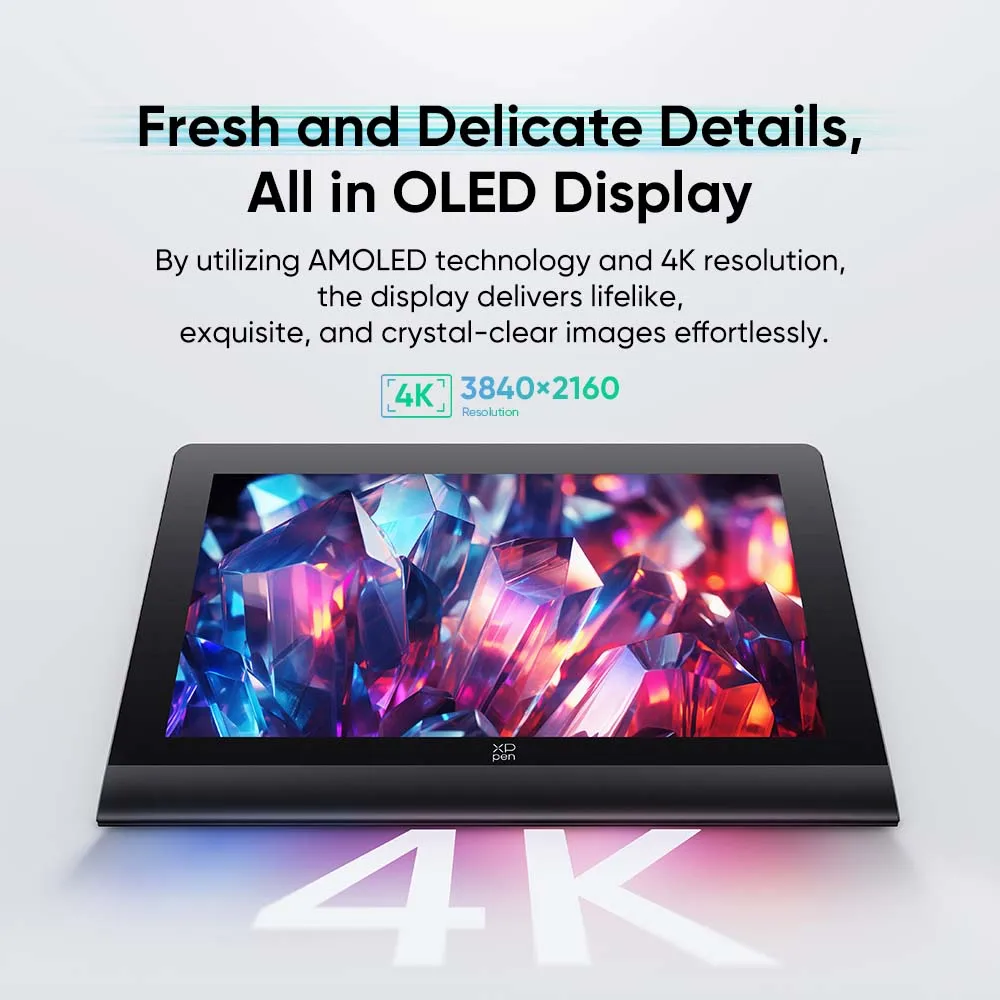
Fresh and Delicate Details, All in OLED Display
Just embrace your first OLED drawing display. The 15.6-inch display not only redefines the ideal size for ample creation space but also represents a great leap in display effect. By utilizing AMOLED technology, the self-luminous pixels guarantee that every detail you create is displayed vividly on the screen.
Resolution: 3840 x 2160
An Ultimate Enjoyment for Your Eyes
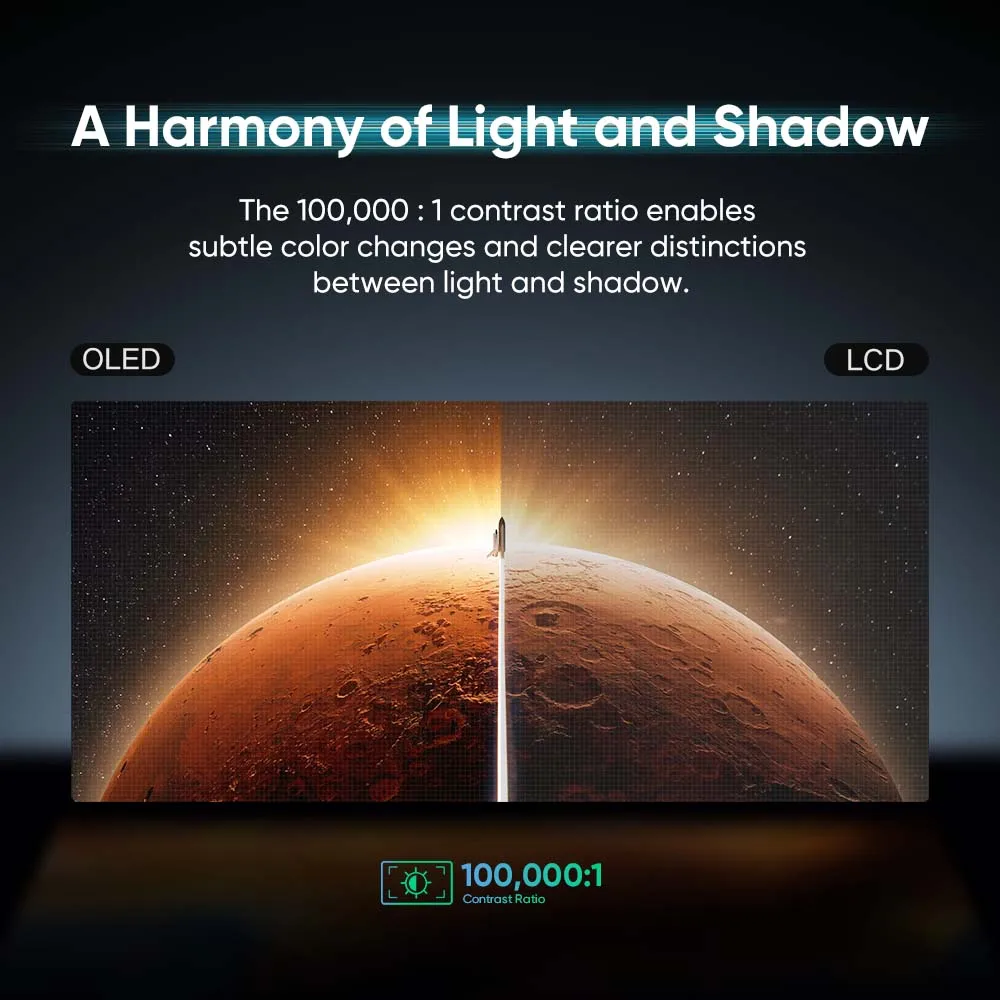
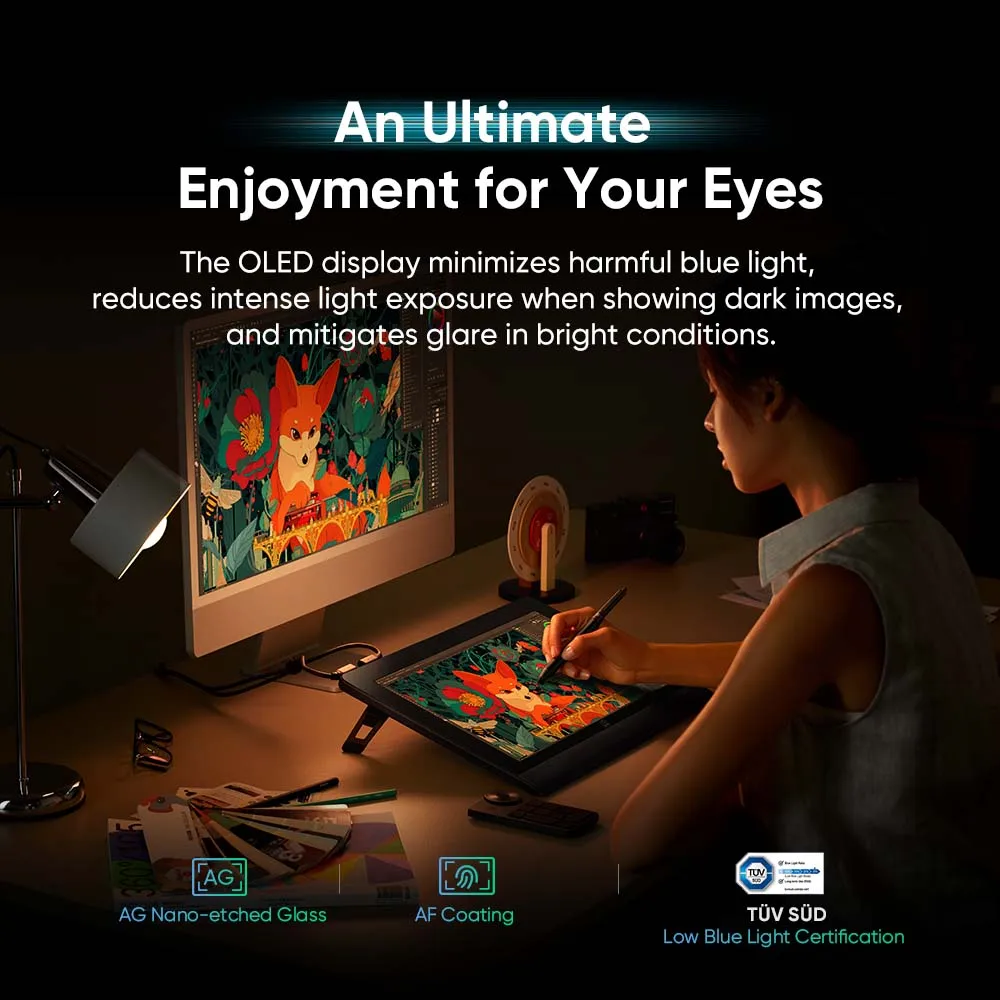
Thanks to self-luminous pixels, OLED technology minimizes the proportion of harmful blue light and reduces intense light exposure when displaying dark images. The AG nano-etched glass helps to reduce glare in bright conditions. In addition, the display features a hybrid dimming solution to reduce flicker and visual fatigue. Regardless of environmental changes, your eye health is protected.
Calman Verified, Consistant Color Performance
Artist Ultra 16 has obtained Calman Verification. This certification demonstrates the display's capability to reproduce colors accurately across various devices and environments. There is no need for manual color calibration; simply enjoy drawing right after unboxing!
Keep it Quiet and Cool
The drawing display features a fanless design. Its back is made from aluminum alloy and heat-dissipating silicone with additional heat-dissipating holes. You can draw in a quiet environment while keeping the device cool, even during extended use.
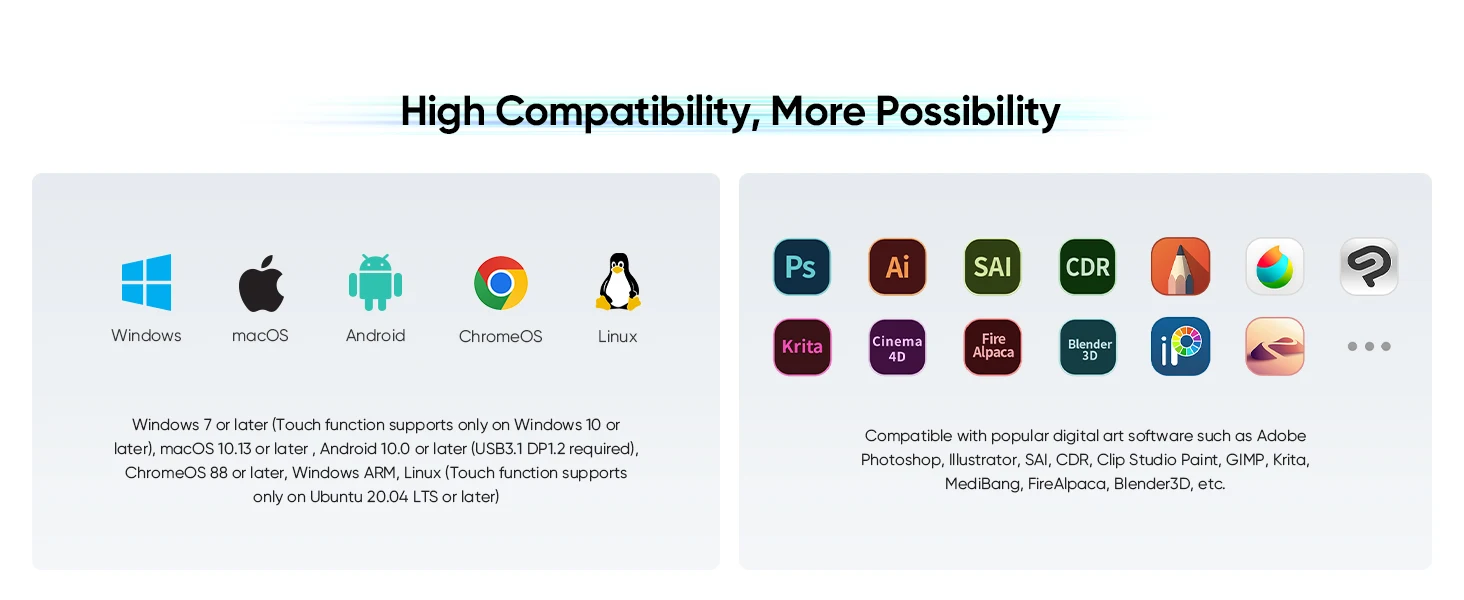
Works smoothly with various systems and software.
Windows 7 or later (Touch function supports only on Windows 10 or later), macOS 12 or later , Android 10.0 or later (USB3.1 DP1.2 required), ChromeOS 88 or later, Windows ARM, Linux (Touch function supports only on Ubuntu 20.04 LTS or later)
Compatible with popular digital art software such as Adobe Photoshop, Illustrator, SAI, CDR, Clip Studio Paint, GIMP, Krita, MediBang, FireAlpaca, Blender3D, etc.

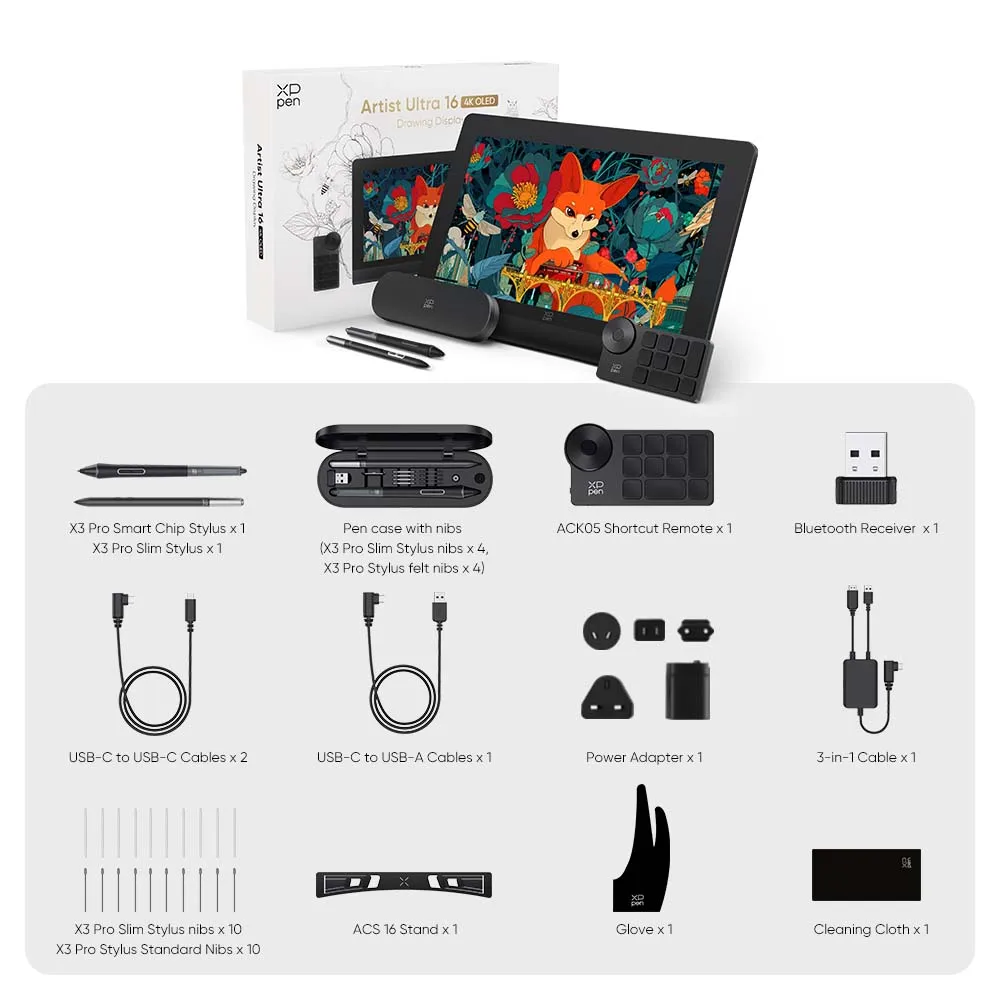
Package Includes
Artist Ultra 16 Drawing Display x 1
X3 Pro Smart Chip Stylus x 1
X3 Pro Slim Stylus x 1
Pen case with nibs (X3 Pro Slim Stylus nibs x 4, X3 Pro Stylus felt nibs x 4)
ACK05 Shortcut Remote x 1
Bluetooth Receiver x 1
USB-C to USB-C Cables x 2
USB-C to USB-A Cables x 1
Power Adapter x 1
3-in-1 Cable x 1
X3 Pro Slim Stylus nibs x 10
X3 Pro Stylus Standard Nibs x 10
ACS 16 Stand x 1
Cleaning Cloth x 1
Glove x 1